
If you use MTN in Nigeria, linking your National Identification Number (NIN) to your line is not just a recommendation, it’s a requirement. The Nigerian Communications Commission (NCC) made this process mandatory to strengthen national security and improve digital identity verification.
Whether your SIM is active or blocked, this guide will show you how to link your NIN to your MTN number quickly and without stress.
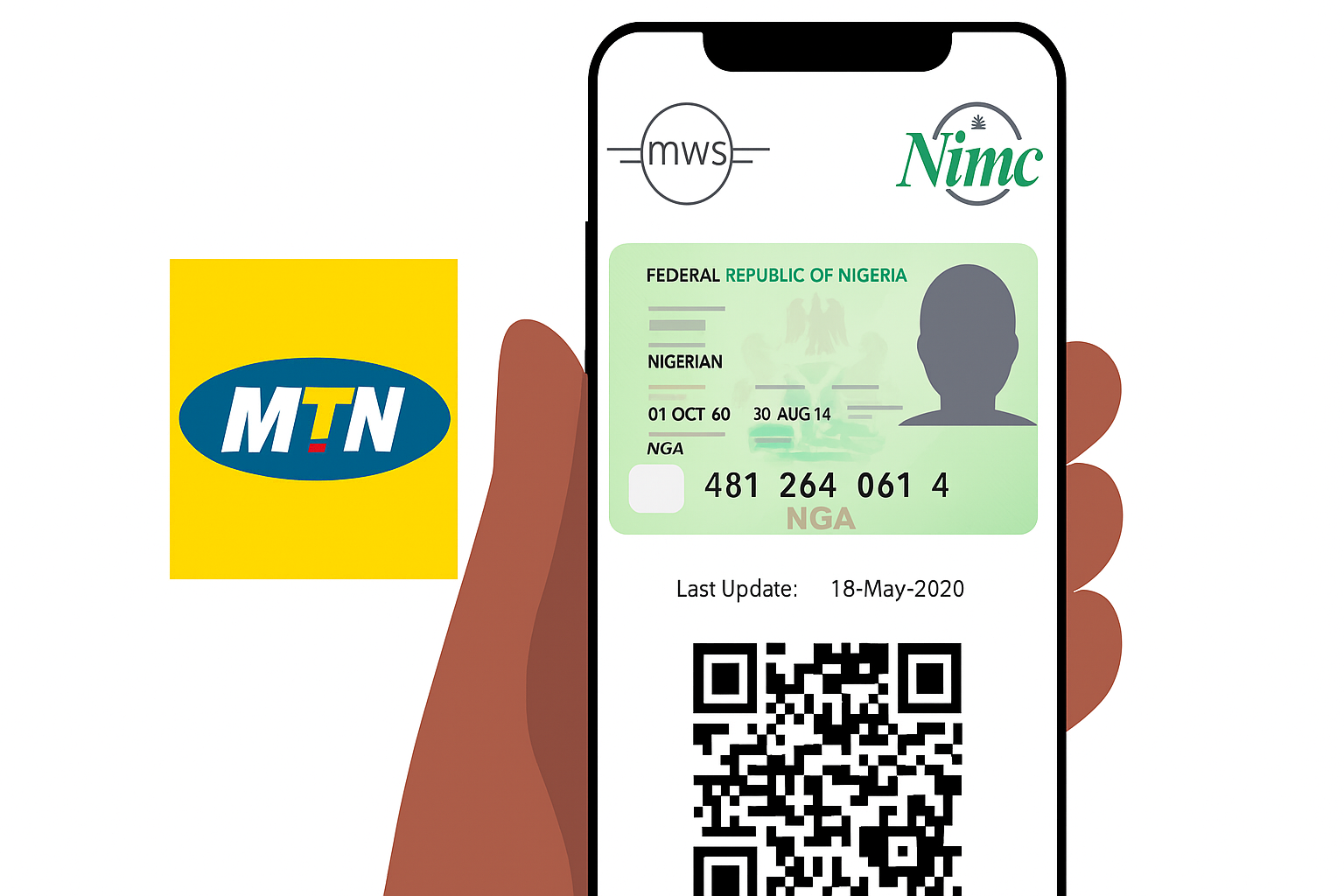
Why You Need to Link Your NIN to Your MTN Line
Your NIN connects your phone number to your verified identity; a vital step in ensuring safety and trust in Nigeria’s telecom space. Without linking it, your line could be restricted from making or receiving calls.
So if you’ve been wondering “how do I link my NIN to MTN?” or “how to link my MTN SIM with NIN?”, you’re in the right place.
How to Link Your NIN to Your MTN Number via USSD Code
The fastest and easiest way to link your NIN to your MTN SIM is through a USSD code. No data or smartphone required.
- Open your phone’s dialer.
- Dial *996*your NIN#. For example, *996*12345678901#.
- Press “Send.”
- Wait for a confirmation message from MTN.
If your NIN is valid and correctly registered, MTN will verify it and send you a success message.
This method works perfectly for anyone searching “how to link NIN to MTN,” “how to link NIN on MTN,” or “how to link NIN to MTN number.”
How to Link Your NIN to Your MTN Number via SMS
Another quick way is to use SMS; simple and effective. Here’s how to link NIN to MTN via SMS:
- Open your SMS app.
- Type “NIN [your 11-digit NIN]” (for example, NIN 12345678901).
- Send it to 996.
MTN will acknowledge your message and begin the verification process. Once successful, you’ll receive confirmation that your NIN has been linked to your MTN line.
This process also works for “how can I link my NIN to my MTN SIM?” and “how to link my NIN to my MTN number.”
How to Link Your NIN to Your MTN Number Line Online
If you prefer the online route, MTN has an easy-to-use self-service option. To complete how to link NIN to MTN line online, follow the steps below.
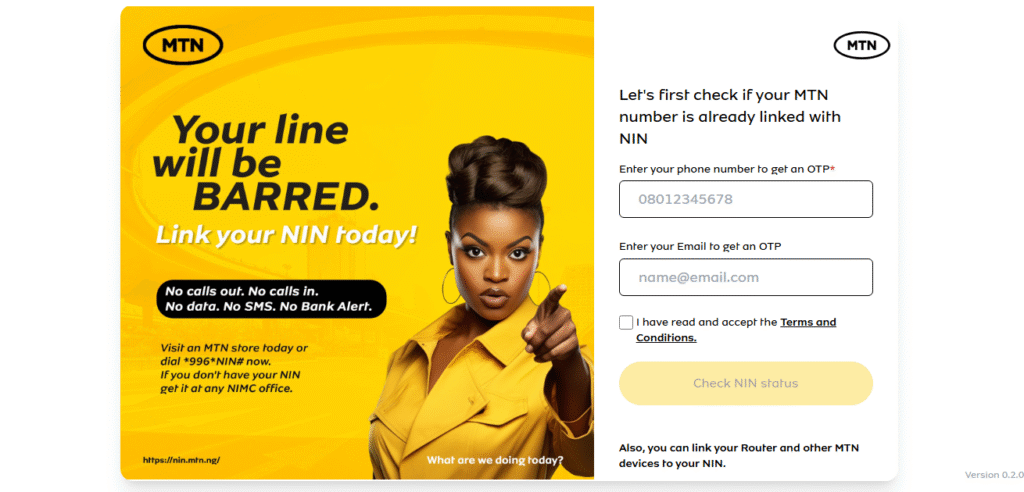
- Simply open your browser and search for MTN’s NIN registration page.
- Check if your MTN sim is linked to your NIN first. If its not, you will be redirected to the next step.
- Fill in your details including name, phone number, and NIN.
- Click submit.
- You’ll get a confirmation SMS once your submission is received.
While this method is convenient, always make sure you’re on MTN’s official website for your safety.
How to Link Your NIN to Your MTN Number After Being Blocked
If your MTN SIM has been blocked due to not linking your NIN, don’t worry it can still be fixed. Here’s how to link NIN to MTN after being blocked:
- Remove your blocked SIM and insert it into another phone if necessary.
- Dial *996*your NIN#.
- If the code doesn’t work, visit the nearest MTN service center with your NIN slip and a valid ID.
- Ask the customer care representative to help you link your NIN manually.
Once it’s verified, your SIM will be restored and ready to use again.
How to Link NIN to MTN SIM Card (Alternative Methods)
If you’ve tried USSD or SMS and still haven’t gotten confirmation, don’t panic. There are other ways to ensure your line gets verified:
- Dial *996#: Follow the on-screen instructions to update your NIN.
- Use the MyMTN App: Log in and submit your NIN under “NIN Linking.”
- Visit an MTN Office: Bring your NIN slip and ID card for manual assistance.
All these methods apply if you’ve been asking “how to link my NIN to my MTN line,” “how to link NIN to MTN sim,” or “how do I link my NIN to my MTN line?”
How Other African Countries Link National IDs to SIM Cards
Nigeria’s NIN–SIM linkage is part of a larger movement across Africa to build secure and traceable telecom systems.
In Ghana, citizens link their Ghana Card to their SIMs using a simple USSD process. In Kenya, registration is done with the national ID, while South Africa’s RICA system ensures every SIM is verified with a valid identity document.
This trend shows Africa’s growing commitment to secure connectivity, and linking your NIN to your MTN line keeps you aligned with that progress.
How to Confirm If Your NIN Has Been Linked
To check whether your NIN has been successfully linked, dial *996#, select “NIN status,” and follow the on-screen prompts. If linked, you’ll receive confirmation instantly.
If not, repeat the USSD method or visit a nearby MTN center.
Final Thoughts
Linking your NIN to your MTN number is simple, fast, and essential. Whether you choose the USSD, SMS, or online method, the process takes less than two minutes, and it guarantees uninterrupted service.
So if you’ve been searching “how to link NIN to MTN line,” “how to link NIN to MTN number,” or “how to link my MTN SIM with NIN,” you now have every method at your fingertips.
Stay secure, stay connected, and stay ahead.
Queposts brings you telecom insights and digital lifestyle updates from Nigeria and beyond, helping you navigate Africa’s digital future, one post at a time.