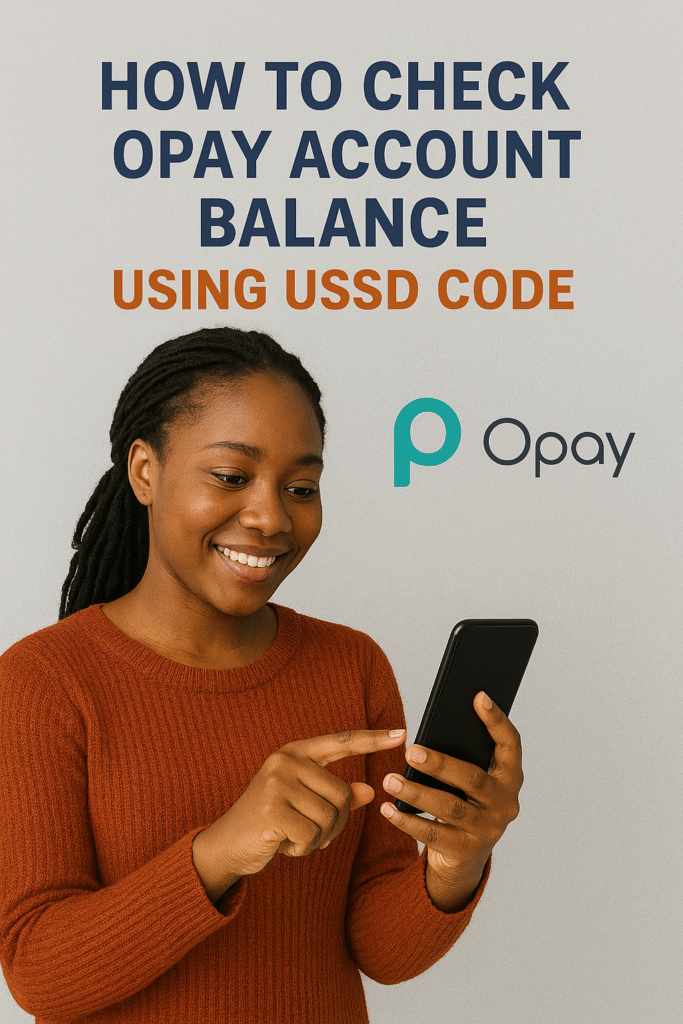

If you use Opay account regularly for transfers, airtime purchase, or bill payments, you’ll agree the platform is fast and convenient. But what happens when your internet connection is poor or you want to check your account balance instantly without opening the Opay app?
That’s where the Opay USSD code becomes a lifesaver.
In this guide, you’ll learn how to check Opay balance with USSD code, how to activate the Opay USSD service, and how to use all the available Opay USSD codes for transfers, airtime, data, and more. This article is especially useful for beginners who prefer the simplicity of dial-to-bank services.
What Is the Opay USSD Code?

The official Opay USSD code is *955#.
If you’ve been asking:
- What is Opay USSD code?
- What’s the USSD code for Opay?
- What is USSD code for Opay account?
—the simple answer is *955#.
This single code gives you access to several banking features such as:
- Checking account balance
- Transferring money
- Buying airtime
- Buying data
- Getting OTP codes
- Opening a new Opay account
- And more
How to Check Opay Account Balance Using USSD Code
This is the simplest part. To check your Opay balance using the Opay USSD code for balance, follow these steps:
Step 1: Dial *955# on your phone
Make sure you are using the phone number linked to your Opay wallet.
Step 2: Select “Check Balance”
You will see menu options like Transfer, Airtime, Data, and Balance Inquiry.
Step 3: Enter your Opay PIN
This is required for security.
Step 4: View your account balance instantly
Your Opay wallet balance will display on your screen.
If you’re wondering “how to check balance on Opay using USSD code?” — that’s the exact process.
All Opay USSD Codes You Need to Know
Below are the most useful Opay USSD codes for different transactions:
| Transaction | USSD Code |
| Check Opay Balance | *955*0# |
| Transfer Money | *955*1*Amount*Account Number# |
| Buy Airtime | *955*3*Amount# |
| Buy Data | *955*4# |
| Get OTP | *955*010# |
| Open Opay Account | *955*0# |
These codes work on MTN, Glo, Airtel, and 9mobile smartphones and button phones.
How to Use Opay USSD Code for Transfer
If you’re searching for:
- Opay USSD transfer code
- USSD code for Opay transfer
- Opay code USSD for transfer
- Opay USSD code to transfer money
Here’s the correct method: Dial *955*1*Amount*Recipient Account Number#
After dialing:
- Choose the bank or wallet provider.
- Confirm the recipient’s name.
- Enter your Opay PIN.
Transfer will be completed instantly.
How to Use Opay USSD Code for Airtime
You can buy airtime using: *955*3*Amount#
This works for your registered phone number. For airtime to another number:
- Dial *955#
- Select Airtime.
- Enter phone number.
- Enter amount.
- Enter your PIN.
If you’ve been asking for Opay USSD code for airtime, this is it.
There are also network-specific options:
- Opay USSD code for MTN: Simply dial *955#
- Opay USSD code for Airtel: Also *955#
- Opay USSD code for Glo or 9mobile: Still *955#
Opay’s USSD service works across all network providers.
How to Use Opay USSD Code for Data
Opay makes data purchase easy with USSD.
- Dial *955*4#
- Choose your network.
- Choose data plan.
- Enter PIN.
This is the correct Opay USSD code for data.
How to Send Money From Other Banks to Opay Using USSD
Maybe you want to know:
- How to transfer to Opay using USSD?
- USSD code to transfer from UBA to Opay?
- Kuda USSD code for transfer to Opay?
Here are the codes for different banks:
UBA to Opay:
Dial *919*4*Opay Account Number*Amount#
Kuda to Opay:
Kuda does NOT support USSD transfers.
You must use the mobile app.
GTBank:
Dial *737*22*Opay Account Number*Amount#
Other banks:
Dial each bank’s transfer USSD code and select Paycom / Opay.
How to Activate Opay USSD Code
You don’t need an ATM card to activate Opay USSD.
Step 1: Dial *955#
Step 2: Select “Activate Account”.
Step 3: Create your 4-digit Opay PIN.
Step 4: Confirm with required details.
You’re now ready to use all Opay USSD codes.
How to Reset Opay PIN Using USSD Code
If you forgot your Opay PIN and want to reset it through USSD:
- Dial *955#
- Select “Reset PIN”
- Enter the required verification details.
This works for anyone asking “how to reset my Opay PIN with USSD code?”
How to Borrow Money From Opay Using USSD Code
Opay has loan services like Okash and CreditMe, but USSD loan access is not yet fully available.
To apply for loans:
- Dial *955#
- Check if Loans appears on your menu.
- If available, follow the prompts.
Most loan requests must still be done through the Opay app.
How to Block Your Opay Account Using USSD Code
If your phone is stolen or you suspect unauthorized access, you can block your Opay account instantly. Kindly dial *955*131# This is the best way to protect your wallet.
Why Use Opay USSD Instead of the App?
Opay USSD is designed for:
- Poor internet conditions
- Basic phones (no smartphone needed)
- Faster transactions
- Quick balance checks
- Emergency transfers
It works 24/7 and consumes no data.
Troubleshooting: What to Do if Opay USSD is Not Working
If you’re asking “What is wrong with Opay USSD code?”, here are common causes:
- Weak network signal
- SIM not registered with Opay
- Temporary service downtime
- Blocked USSD permissions
- Wrong PIN entries
Solutions:
- Switch location for better network.
- Restart your phone.
- Ensure the SIM is linked to your Opay account.
- Contact Opay customer service if the issue continues.
Final Thoughts
The Opay USSD code is one of the easiest ways to manage your account without relying on internet access. Whether you want to check your balance, transfer money, buy airtime, or block your account in emergencies, *955# gives you full control.
If you’ve been searching for how to check Opay account balance using USSD code, this guide explains every step in a simple, clear, and practical way.
At Queposts, we’re committed to helping Nigerians navigate digital banking with ease, convenience, and confidence.