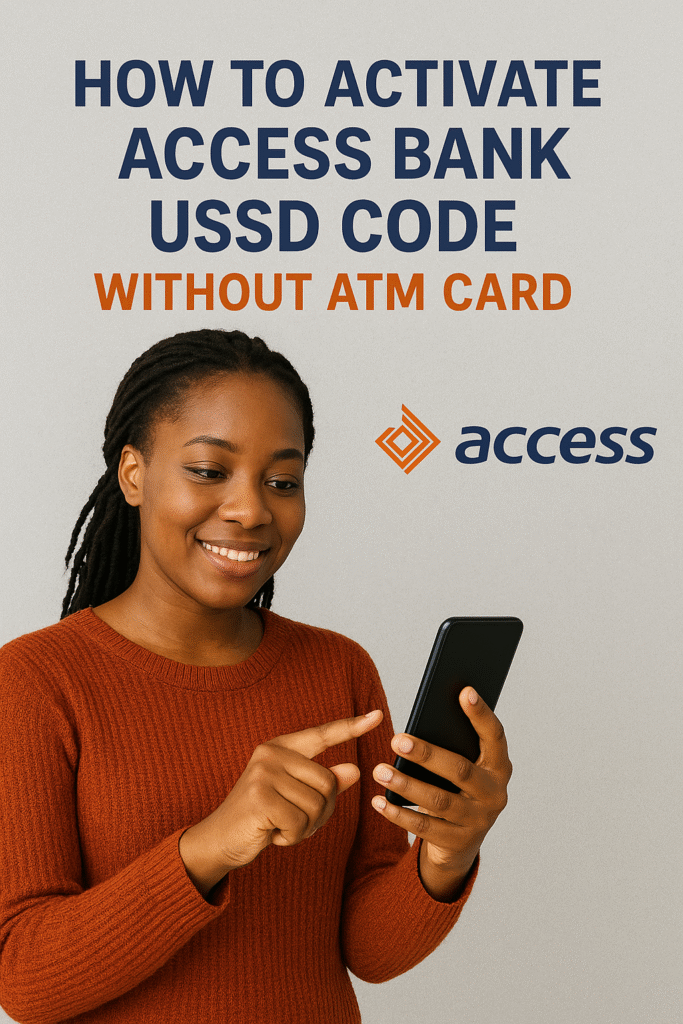

If you’ve been trying to activate the Access Bank USSD code without an ATM card, you’re not alone. Many Access Bank users want a quick, card-free way to bank on their phones — especially when they don’t have their debit card or prefer a simpler alternative. Thankfully, Access Bank makes it easy to activate the USSD code for Access Bank on any mobile phone, even without using an ATM card.
In this detailed guide, you’ll learn how to activate Access Bank USSD code, how to use it, and how to troubleshoot common issues. Whether you want to transfer money, borrow funds, check your BVN, or increase your transaction limit, this guide covers everything.
What Is the Access Bank USSD Code?
The official Access Bank USSD code is *901#.
If you’ve ever wondered, “What is Access Bank USSD code?” or “What’s the USSD code for Access Bank?” — now you know.
With *901#, you can:
- Transfer money
- Buy airtime
- Check your account balance
- Borrow money
- Pay bills
- Open an account
- Check BVN
- And much more
It is fast, secure, and works on any mobile device.
Can You Activate Access Bank USSD Code Without an ATM Card?
Yes! If you’ve been asking, “How to activate Access Bank USSD code without ATM card?”the answer is simple: You can activate *901# using your registered phone number without entering card details.
This is extremely helpful if:
- You lost your ATM card
- Your card is damaged
- You haven’t received your ATM card yet
- You prefer a card-free activation process
How to Activate Access Bank USSD Code Without ATM Card
Follow the step-by-step process below.
Step 1: Dial *901# on Your Phone
Make sure you’re using your Access Bank registered phone number.
If not, the activation will not work.
Step 2: Select “Transfer” or “Other Services”
This allows the system to identify that you’re trying to set up your USSD profile.
Step 3: Choose “Register” or “Setup PIN”
You’ll be prompted to create a 4-digit USSD PIN.
Step 4: Enter Your Account Number
You will be asked to input your Access Bank account number for verification.
Step 5: Create Your USSD Transaction PIN
This will act as your security pin for all USSD actions.
That’s it.
You have now successfully activated the Access Bank USSD code without ATM card.
How to Use USSD Code for Access Bank
Once activated, simply dial *901# and choose any service you want. For example:
- *901*1*Amount# → To buy airtime
- *901*2*Amount*Phone Number# → To send airtime to others
- *901*5# → To check account number
- *901*00# → To check account balance
If you’re wondering “What is Access Bank USSD code for transfer?” here it is:
Access Bank Transfer USSD Code: *901*1*Amount*Account Number#
How to Check BVN on Access Bank USSD Code
You can retrieve your BVN easily using: *901*5#
This works instantly as long as your phone number is linked to your Access Bank account.
How to Borrow Money from Access Bank Using USSD Code
Access Bank offers quick loans via USSD. To get started:
Dial *901*11#
You’ll see options to:
- Apply for a loan
- Check loan status
- View repayment details
If you want to know how to pay back Access Bank loan with USSD code, simply dial:
*901*11# and choose “Repay Loan”
How to Increase Transfer Limit on Access Bank USSD Code
To increase your USSD daily limit:
- Dial *901*0#
- Select “Increase Transfer Limit”
- Follow the on-screen prompts
You may need to verify via an OTP or additional KYC details.
How to Unblock Access Bank USSD Code
If your USSD becomes blocked due to multiple wrong PIN attempts, here’s how to fix it:
Option 1: Reset PIN
Dial *901*0# → Select “Reset PIN”
Option 2: Contact Support
If the USSD code still doesn’t work, you may need help from:
- Access Bank customer care
- The official Access More app
- A nearby Access Bank branch
How to Upgrade Access Bank Account Using USSD Code
To upgrade your account class using USSD:
- Dial *901*0#
- Select “Upgrade Account”.
- Follow the instructions.
- Provide any required information.
This allows you to increase your transaction limits and access higher banking features.
What Is Wrong With Access Bank USSD Code?
Sometimes *901# may fail due to:
- Network issues.
- Using an unregistered phone number.
- Temporary downtime from Access Bank.
- Account restrictions.
- Blocked SIM or missing KYC.
If you’re asking: “What is wrong with Access Bank USSD code today?” it’s usually a network or temporary system issue.
Retry after a few minutes or switch locations for better signal.
How to Activate Access Bank USSD Code Without ATM Card (Quick Recap)
Here is the short version:
- Dial *901#
- Select “Register” or “Setup PIN”.
- Enter your account number.
- Create a 4-digit PIN.
- Start using Access Bank USSD.
No ATM card needed.
Common Access Bank USSD Codes You Should Know
| Service | Code |
| Check Balance | *901*00# |
| Transfer Money | *901*1*Amount*Account No.# |
| Buy Airtime (Self) | *901*Amount# |
| Buy Airtime (Others) | *901*Amount*Phone No.# |
| Open Account | *901*0# |
| Check BVN | *901*5# |
| Borrow Loan | *901*11# |
Final Thoughts
The Access Bank USSD code gives you full control of your banking needs without visiting a bank branch or using an ATM card. Whether you want to transfer money, borrow funds, check BVN, or upgrade your account, the USSD code for Access Bank (*901#) is fast, secure, and easy to use.
If you’ve been stuck wondering how to activate Access Bank USSD code without ATM card, this guide gives you everything you need to get started quickly.
At Queposts, we remain committed to bringing you clear, practical, and up-to-date digital banking tutorials that make your financial life easier.