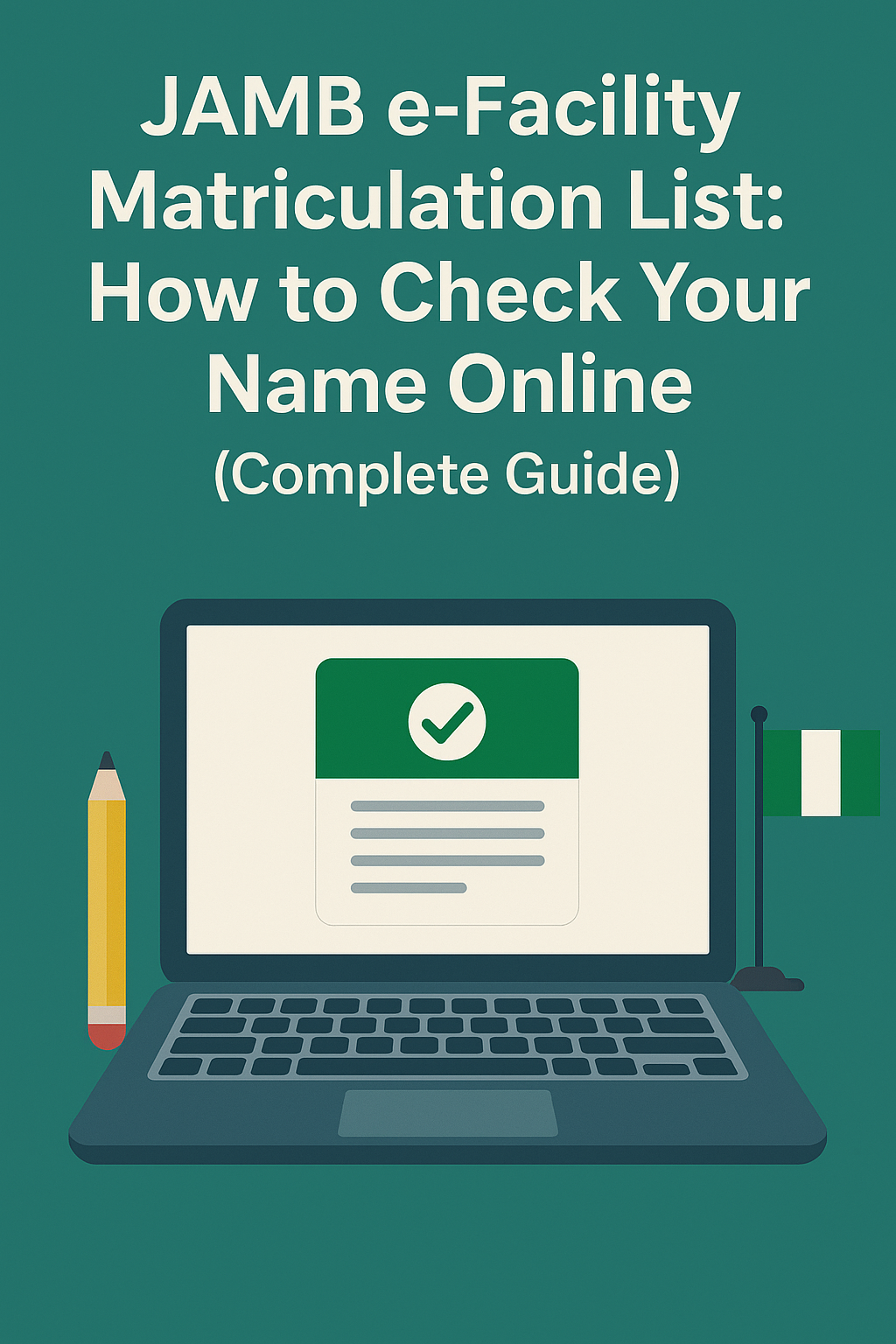

If you are a Nigerian student planning to proceed with NYSC, higher institution admission, or result verification, then checking your name on the JAMB e-Facility Matriculation List is extremely important. Many students do not know that JAMB must officially recognize their admission before they can be mobilized for NYSC or process certain academic documents.
In this comprehensive guide, you’ll learn what the matriculation list is, how to use the JAMB e-facility portal, and how to check your status online in minutes. We also included solutions to common login problems and what to do if your name is missing.
What Is the JAMB e-Facility Portal?
The JAMB e-facility is an online platform created by the Joint Admissions and Matriculation Board that allows candidates to access all essential JAMB services, including:
- Checking admission status
- Printing JAMB result
- Accepting or rejecting admission on CAPS
- NYSC matriculation list checking
- Retrieving or linking email
- Regularization of admission
The portal can be accessed through:
JAMB e-facility login: efacility.jamb.gov.ng
This is also called the e-facility JAMB portal, or simply, e facility JAMB.
What Is the JAMB Matriculation List?
The JAMB Matriculation List is an official document that shows whether JAMB recognizes your admission into a tertiary institution. Only candidates whose names appear on the matriculation list are considered “legitimate students” whose admissions have been approved by JAMB.
If your name is not on the list, you may face challenges such as:
- NYSC registration problems
- Inability to verify admission
- Difficulty retrieving results
- Issues during clearance
That’s why you must check your name as early as possible.
How to Check Your Name on the JAMB e-Facility Matriculation List (Step-by-Step)
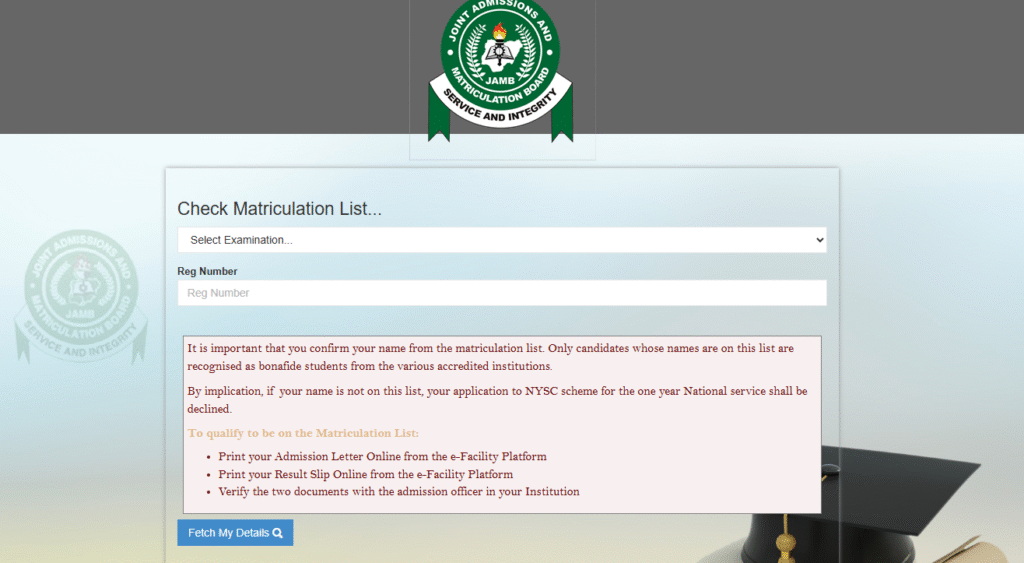
Follow these simple steps to check your matriculation status through the JAMB e-facility portal:
STEP 1: Visit the JAMB e-Facility Portal
Go to the official link: e facility JAMB portal login
(efacility.jamb.gov.ng/login)
This is the same platform used for:
- JAMB e-facility login.
- Checking JAMB admission status.
- Using the e-facility JAMB CAPS admission status service.
STEP 2: Login to Your Account
Enter your:
- Email address
- Password
If you forgot your password, click “Reset Password”. You can also use JAMB e-facility login with registration number by clicking “Forgot password” and receiving a reset link linked to your profile.
STEP 3: Select “Check Matriculation List”
After logging in:
- Scroll down to the menu.
- Click “Check Matriculation List”.
STEP 4: Enter Your Details
Provide:
- JAMB Registration Number
- Exam Year
- Institution
- Course of Study
Click “Fetch My Details.”
STEP 5: Check Your Matriculation Status
Your status will display one of the following:
- Congratulations! You are on the Matriculation List.
You are officially recognized.
- You have not been given admission yet.
Meaning you must resolve your admission.
- You have not accepted your admission.
You must log in to JAMB CAPS and click Accept.
- You did not print your JAMB admission letter.
You need to purchase and print it on the e-facility JAMB portal.
- You need to do JAMB regularization.
Often required for ND, HND, or direct entry students.
Why Your Name May Not Be on the JAMB Matriculation List
Your name may be missing for several reasons:
1. You did not accept your admission on CAPS
Visit e facility JAMB CAPS admission status and accept it.
2. You did not print your JAMB admission letter
This is a compulsory step.
3. You did not print your original JAMB result
Also required.
4. Your institution admitted you without JAMB approval
You must do JAMB regularization to correct this.
5. You used 2024/2025 admissions and JAMB has not updated your record yet
Wait for synchronization.

How to Fix “Not on Matriculation List” Using the JAMB e-Facility Website
Here’s how to correct the issue based on your displayed message:
(A) If You Need to Accept Admission
- Visit the JAMB e-facility portal admission status page.
- Click CAPS.
- Accept your admission.
(B) If You Need to Print Your JAMB Admission Letter
- Login to your e-facility portal.
- Select Print Admission Letter.
- Make payment and print.
(C) If You Need to Print Your JAMB Original Result
- Login to the JAMB e-facility portal 2025 result checker page.
- Make payment.
- Print the result.
(D) If You Need JAMB Regularization
Follow the instructions on the efacility JAMB portal admission section.
This applies to ND, HND, and DE students.
Common Issues with the JAMB e-Facility Portal (and Solutions)
Many students report problems when trying to log in to the JAMB e-facility. Here are the most common issues:
1. “Invalid Login Credentials”
Solution: Reset your password.
2. Portal Not Loading
Reason: High traffic.
Solution: Try using another browser or wait a few minutes.
3. Admission Status Not Updating
Reason: Your school may not have forwarded your details.
Solution: Visit your school admission office.
4. JAMB e-facility portal not opening
Reason: Network issues or maintenance.
Solution: Try another device or browser.
Important Links on the JAMB e-Facility Portal
- JAMB e-facility portal admission status
- e facility JAMB CAPS admission status
- JAMB e-facility portal 2024 result
- JAMB e-facility portal 2025
- JAMB e facility matriculation list
These links ensure you can perform all academic verification activities online.
Final Thoughts
The JAMB e-Facility Matriculation List is one of the most important tools every Nigerian student must check especially before NYSC mobilization. By following the steps above, you can easily confirm whether your admission is recognized by JAMB and fix any issues fast.
If your name is missing, don’t panic. Simply follow the recommended solutions such as acceptance of admission, printing your admission letter, or doing JAMB regularization through the official portal.