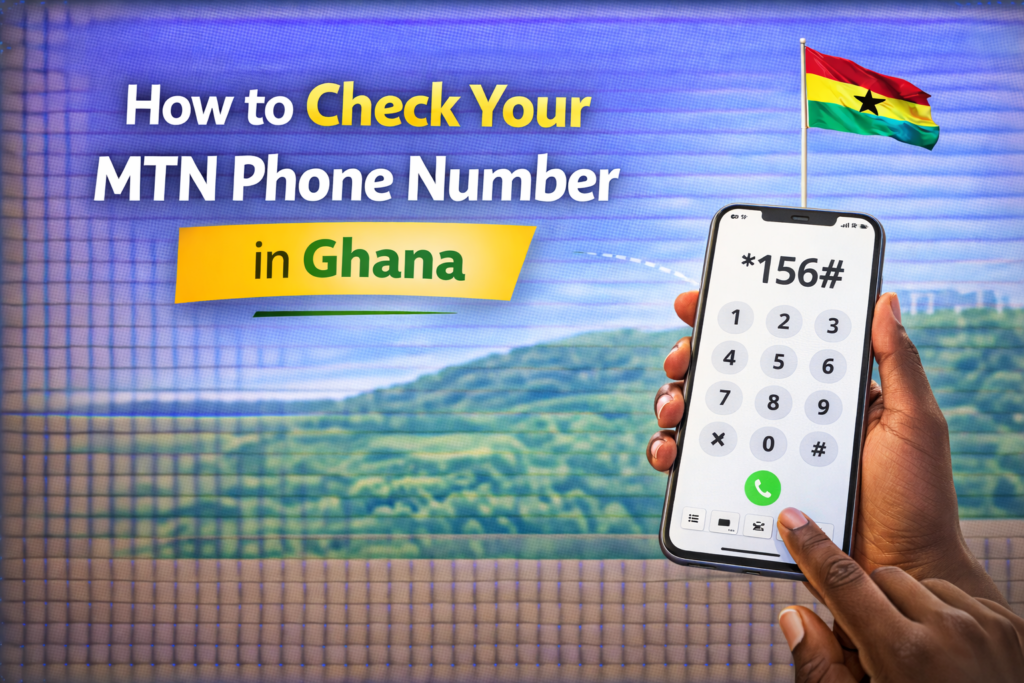

If you ever need to check your MTN phone number in Ghana, this is the right article for you. In today’s digital economy, securing your SIM card details is more important than ever especially with Ghana’s strict SIM registration laws. Whether you’ve forgotten your number or need to confirm your voter ID link, this guide outlines how to check your MTN number and verify your registration details quickly and accurately.
Many people search online for how to check your MTN number, how to check your MTN number in Ghana, or how to check your MTN number registration details. This step-by-step article provides answers to all those queries and more.

How to Check Your MTN Phone Number(Different Methods)
If you’ve misplaced your SIM card pack or simply forgotten your number, here are the easiest ways to check your MTN phone number
1. Dial the USSD Code
To check your MTN phone number instantly:
- Dial *156#.
- Select option 1 (Check My Number).
- Your MTN number will be displayed on your screen.
This method is fast, free, and works on all devices.
2. Use the MyMTN App
If you have internet access:
- Download the MyMTN app from Google Play or the App Store.
- Log in with your MTN SIM.
- Your number will be visible on the home screen.
This option is useful if you want more control over your account features.
3. Call or Send a “Please Call Me” Message
If you have another phone nearby, you can:
- Dial *121*recipient’s number# to send a free “Please Call Me” SMS
- Your MTN number will appear on the recipient’s screen
This option is especially helpful if you’re out of data or airtime.
How to Check Your Voter ID Number on MTN
If you registered your MTN SIM card using your voter ID, there’s a way to verify that information through the SIM registration portal.
Here’s what to do:
- Dial *400# on your MTN line
- Wait for an SMS showing your linked Ghana Card number or voter ID
- If your SIM is registered with your voter ID, it will be displayed in the message
This method is part of Ghana’s National SIM Registration process and helps confirm that your number is properly linked to your national ID.
How to Check Your MTN Number Registration Details
To verify whether your MTN number is fully registered and compliant with Ghana’s laws:
Method 1: Use the *400# Code
- Dial *400# on your phone
- You’ll receive a message showing the ID number used to register your SIM
- The message also indicates if your registration is complete, incomplete, or requires biometric verification
This is the official method provided by the National Communications Authority (NCA) and is highly recommended.
Method 2: Visit an MTN Service Center
If you suspect your SIM is not properly registered:
- Visit the nearest MTN Ghana service center.
- Bring along your Ghana Card or voter ID.
- An agent will help you update or complete your registration
This step is important to prevent your SIM from being blocked or deactivated.
Final Thoughts
Knowing how to check your MTN phone number in Ghana, as well as verifying your registration details, is key to maintaining access to your line and staying compliant with national telecom regulations. From dialing simple USSD codes to using official apps, MTN Ghana provides multiple ways to help users manage their accounts efficiently.
Forgeting your own mobile digits happens to the best of us, especially when you are managing multiple SIM cards or setting up a new device. While the MTN short code provides a quick answer, QuePosts helps you take the next step by connecting that newly verified number to the local services you actually need. Our platform organizes thousands of verified businesses and professional vendors into one accessible directory so you can bypass the frustration of searching through unverified social media pages. Using our directory alongside your essential network codes ensures you have the right contact information to book appointments, order deliveries, and handle your daily tasks without hassle.