

We’ve all been there, a friend runs out of data right in the middle of a chat, or a family member needs a quick top-up to attend an online class. That’s where share data on Airtel service comes in. If you’ve ever wondered how to share data on Airtel, this complete guide from Queposts breaks down everything you need to know; from the Airtel data sharing code to using the Airtel app, and even how to send data across networks.
Understanding Airtel Data Sharing
Airtel’s data sharing feature, known as Data Me2U, allows subscribers to share data on Airtelto Airtel lines easily. It’s designed to help you transfer part of your existing data bundle to another Airtel user no need for airtime conversion or internet connection.
The service is free and instant, making it one of the most convenient ways to stay connected with friends, family, or colleagues who use Airtel.
So whether you’re asking, “How do I share data on Airtel to Airtel?” or “How do I share data on Airtel using my balance?” you’re in the right place.
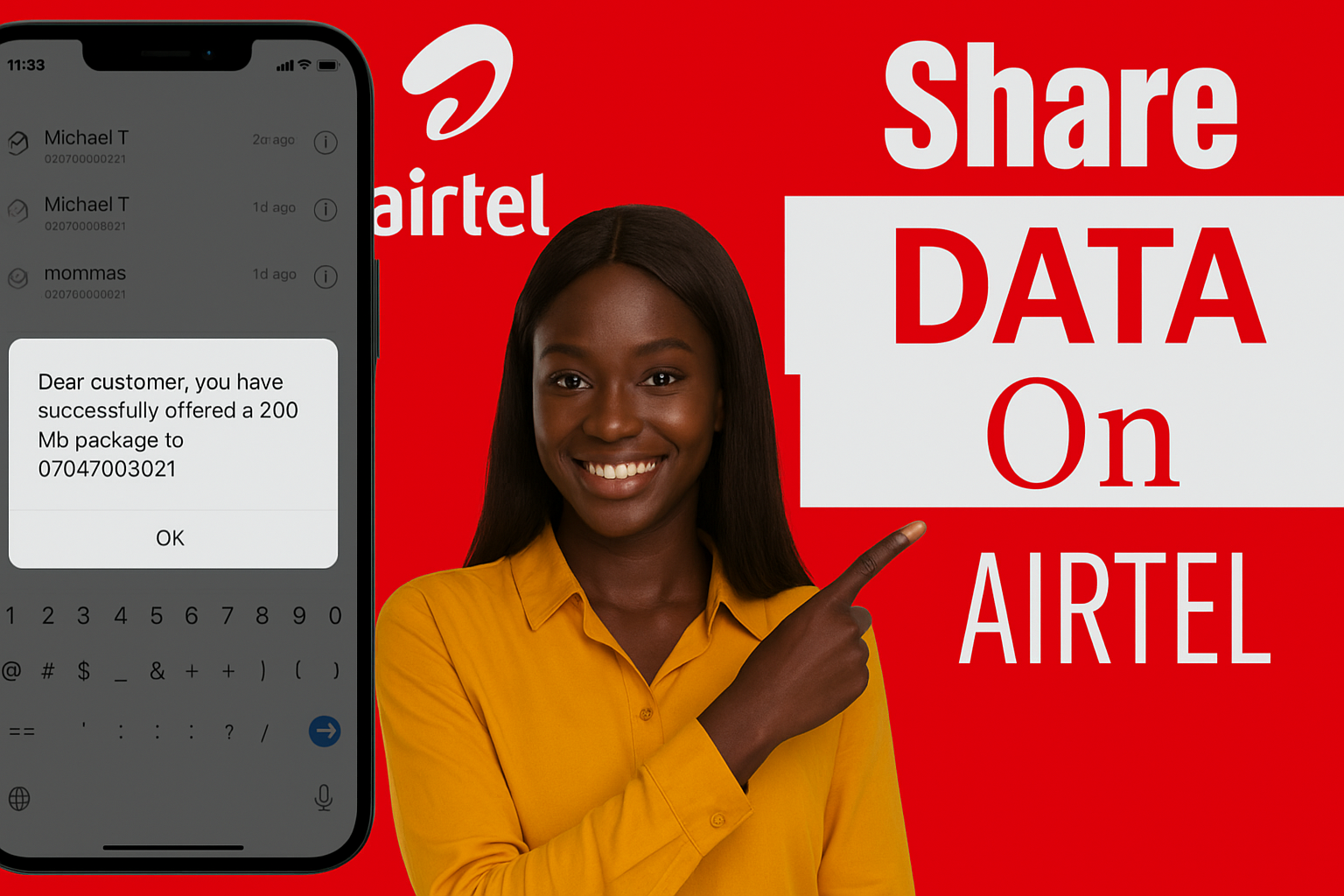
How to Share Data on Airtel to Airtel (Code Method)
The most common and easiest way to share data on Airtel is through a USSD code. Follow these simple steps:
- Dial *312# on your Airtel line.
- From the menu, select “Gift or Share Data.”
- Choose the option “Data Me2U.”
- Enter the recipient’s Airtel number.
- Enter the amount of data (in MB) you want to share.
- Confirm the transfer.
How to Share Data on Airtel from Data Balance
If you’re wondering how to share data from your existing bundle, you don’t need a special balance, Airtel automatically deducts the shared portion from your current plan.
So, when you share data on Airtel from your data balance, the amount of MB or GB you send simply comes out of what’s already available in your account.
For example, if you have 5GB of data and share 500MB with a friend, you’ll be left with 4.5GB.
How to Share Data on the Airtel App
If you prefer an online method, you can also share data on the Airtel app. It’s simple, fast, and doesn’t require remembering USSD codes.
Here’s how:
- Download and open the Airtel Thanks App from your app store.
- Log in using your Airtel number.
- On the home screen, select “Data Sharing” or “Data Gifting.”
- Enter the recipient’s Airtel number.
- Choose the data amount you want to share.
- Tap Send or Confirm.
That’s it both you and the recipient will receive confirmation messages.
This option is perfect if you’re already managing your bundles through the Airtel app and want a more visual experience.
How to Share Data on Airtel to MTN or Other Networks
Airtel’s data sharing feature currently supports Airtel-to-Airtel transfers only. That means if you’re searching for “How to share data on Airtel to MTN” or “How to share data on Airtel to another network”, unfortunately, that’s not yet possible.
However, there’s a workaround; you can:
- Buy a data bundle for another network using your Airtel line through third-party apps or banking USSD codes.
- Send airtime to your friend’s MTN or Glo line so they can buy their own data.
So while direct cross-network sharing (like Airtel to MTN) isn’t supported yet, these alternatives keep everyone connected.
How to Share Data on Airtel 2025 — What’s New
As of 2025, Airtel Nigeria has upgraded its Smart Connect and Smart Trybe tariff plans to make data sharing smoother.
The new Airtel data sharing code (*312#) now combines all data-related services from buying, checking balance, gifting, and sharing into one simple menu.
This update makes it easier than ever to:
- Activate new bundles,
- Gift data to loved ones,
- Or share part of your data balance instantly.
If you’re an Airtel user across Africa in countries like Kenya, Uganda, or Rwanda, similar data-sharing systems exist under local regulations, showing Airtel’s commitment to unified mobile experiences continent-wide.
Alternative Ways to Help Friends Access Data
Even if you can’t share data outside Airtel’s network, here are some creative options:
- Data gifting: Instead of sharing from your bundle, you can gift a new plan to another Airtel user by dialing *312#.
- Bank apps: Most mobile banking apps in Nigeria let you buy data directly for any number, regardless of the network.
- Recharge apps: Platforms like Quickteller, PalmPay, or Opay allow multi-network data top-ups using your Airtel line.
These options are particularly handy when you want to support friends who use MTN, Glo, or 9mobile.
Final Thoughts — Stay Connected with Queposts
With this complete guide, you now know how to share data on Airtel using multiple methods, USSD codes, the Airtel app, or even data gifting.
The Airtel Data Me2U service keeps you in control of your data, ensuring no megabyte goes to waste.
At Queposts, we believe that connectivity is more than just technology, it’s the heartbeat of the modern African experience. From how to link your NIN to mastering telecom tools like this, our guides are designed to keep you informed, empowered, and always connected.
Stay tuned for more Airtel, MTN, and Glo insights, only on Queposts.