Linking your National Identification Number (NIN) to your Glo number is more than just a government directive; it is your ticket to staying connected. Since the Nigerian Communications Commission (NCC) made NIN–SIM linkage mandatory, every mobile user has had to ensure their line is verified. If you’re still wondering how to link your NIN to your Glo number, this guide will walk you through every step, whether your SIM is active or blocked.
Let’s dive right in.
Why You Need to Link Your NIN to Your Glo Number
Your NIN serves as your digital identity in Nigeria. Linking it to your SIM helps protect you from identity theft, SIM swap fraud, and unauthorized access to your mobile account. It’s also required to keep your line active, unlinked SIMs risk being disconnected.
How to Link your NIN to your Glo Number via USSD Code
The easiest way to link your NIN to your Glo SIM is by using a USSD code. You don’t need an internet connection, just your phone and your NIN.
- Open your phone dialer.
- Dial *109*your NIN# (for example, *109*12345678901#).
- Wait for a confirmation message.
That’s it! Glo will send a notification confirming that your NIN has been submitted for verification.
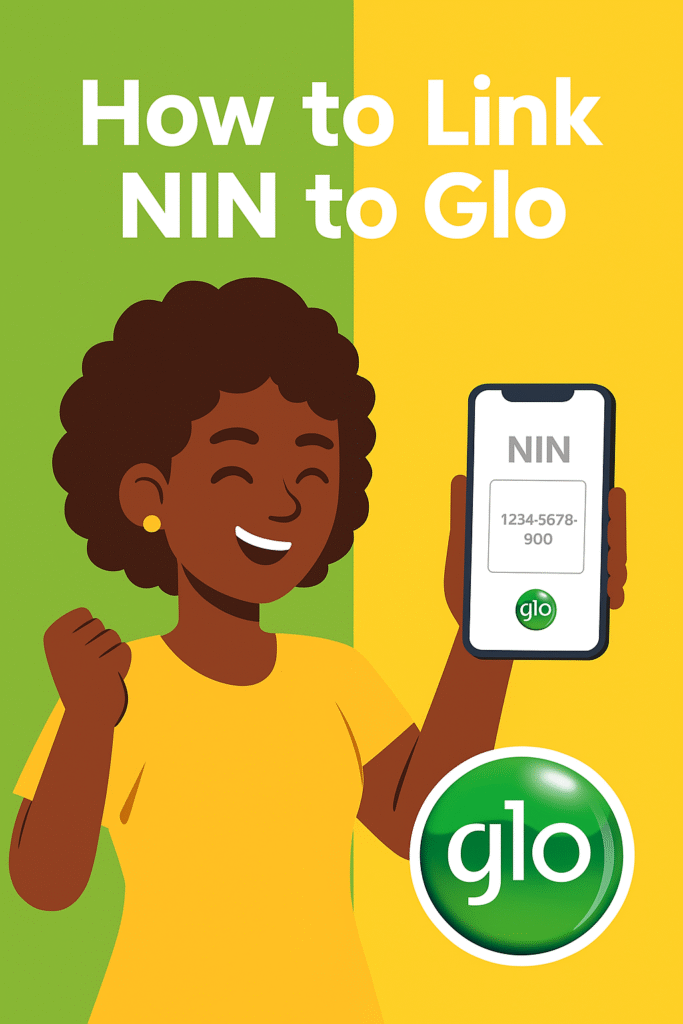
How to Link your NIN to your Glo Nmuber via SMS
If you prefer using text, Glo also allows you to link your NIN through SMS.
- Go to your messaging app.
- Type this format: UPDATENIN [your NIN] [First Name] [Last Name]
- Send it to 109.
How to Link your NIN to your Glo Number After Being Blocked
If your line has already been restricted, don’t panic. You can still link your NIN to your Glo number and get it reactivated.
Here’s how to link NIN to Glo after being blocked:
- Dial *109*your NIN# on your blocked SIM (if the code still works).
- If it doesn’t, remove the SIM and insert it into another phone, sometimes that helps the code register.
- If you still can’t access it, visit the nearest Glo service center with your NIN slip and a valid ID.
Tell the customer care agent you want to link your NIN to a Glo line that has been blocked. They’ll process it manually and restore your line once verification is complete.
How to Link your NIN to your Glo Number Online
While Glo previously had an online NIN submission form, the USSD method remains the most reliable. However, if you prefer digital routes, you can still complete the process through MyGlo app or by visiting a Glo store for manual updates.
So if you’ve been wondering “how to link NIN to Glo online,” or “how to link Glo SIM with NIN digitally,” note that Glo emphasizes in-person verification for accuracy and security.
How to Link NIN to Glo SIM Card (Alternative Methods)
There are a few additional methods you can use if the main ones fail:
- Dial *109#: Follow the prompts to input your NIN manually.
- Visit a Glo Office: Take your NIN slip and SIM pack.
- Use Another Phone: If your phone rejects the USSD code, borrow another Glo-enabled device.
Common Problems When Linking Your NIN to Glo
- Invalid NIN: Double-check that your NIN has 11 digits.
- Network Issues: If you get a timeout, wait and try again.
- Mismatched Information: If your Glo SIM details don’t match your NIN data, verification may fail.
- Unregistered SIM: If your line isn’t fully registered, visit a Glo store for SIM revalidation first.
If any of these apply, visiting a Glo service center is your best fix.
What Happens After You Link Your NIN
After submitting your NIN, Glo forwards it to the National Identity Management Commission (NIMC) for verification. Once confirmed, your SIM becomes fully active and safe from disconnection. You don’t need to re-link unless you change your number or update your details.
If you’re wondering “how can I link my NIN to my Glo SIM and confirm it worked?”, just dial *109# and follow the prompts to check your NIN status.
Final Thoughts
In a world that’s fast embracing digital identity, linking your NIN to your Glo number is a smart, essential move. It keeps your mobile identity secure and ensures seamless access to calls, data, and future digital services.
So whether you’ve been Googling “how to link NIN to Glo number,” “how to link NIN with Glo line,” or “how do I link my Glo line to NIN,” you now have every answer you need.
Stay verified, stay connected, and stay ahead.
Queposts brings you telecom insights and digital lifestyle updates from Nigeria and beyond, helping you navigate Africa’s connected future, one post at a time.