

If you recently discovered that your Airtel SIM has been blocked or restricted it’s probably because you didn’t link NIN to Airtel. If your NIN (National Identification Number) isn’t linked, don’t panic. This guide will walk you through how to fix it quickly.
Linking your NIN to your Airtel line is now a mandatory requirement by the Nigerian Communications Commission (NCC), and failing to do so can result in disconnection. But with the right steps, you can link your NIN to Airtel after being blocked in minutes.
At Queposts, we simplify essential digital processes for users across Africa, and while this guide focuses on Nigeria, similar SIM registration systems exist across the continent, emphasizing the growing importance of secure mobile identification.
Why Linking NIN to Your Airtel Number Is Important
Your NIN is more than just a number it’s your unique digital identity tied to every government and telecom record in Nigeria. Linking your NIN to your Airtel SIM helps:
- Verify your identity for network services.
- Reduce fraud and SIM duplication.
- Keep your line active for calls, SMS, and data services.
If your Airtel SIM has been blocked, it’s likely because your NIN wasn’t properly linked or verified. Thankfully, Airtel provides multiple ways to reconnect your line.
How to Link NIN to Airtel After Being Blocked
Here’s the step-by-step guide on how to link your NIN to Airtel after being blocked. These same steps apply whether your line is partially restricted or fully disconnected.
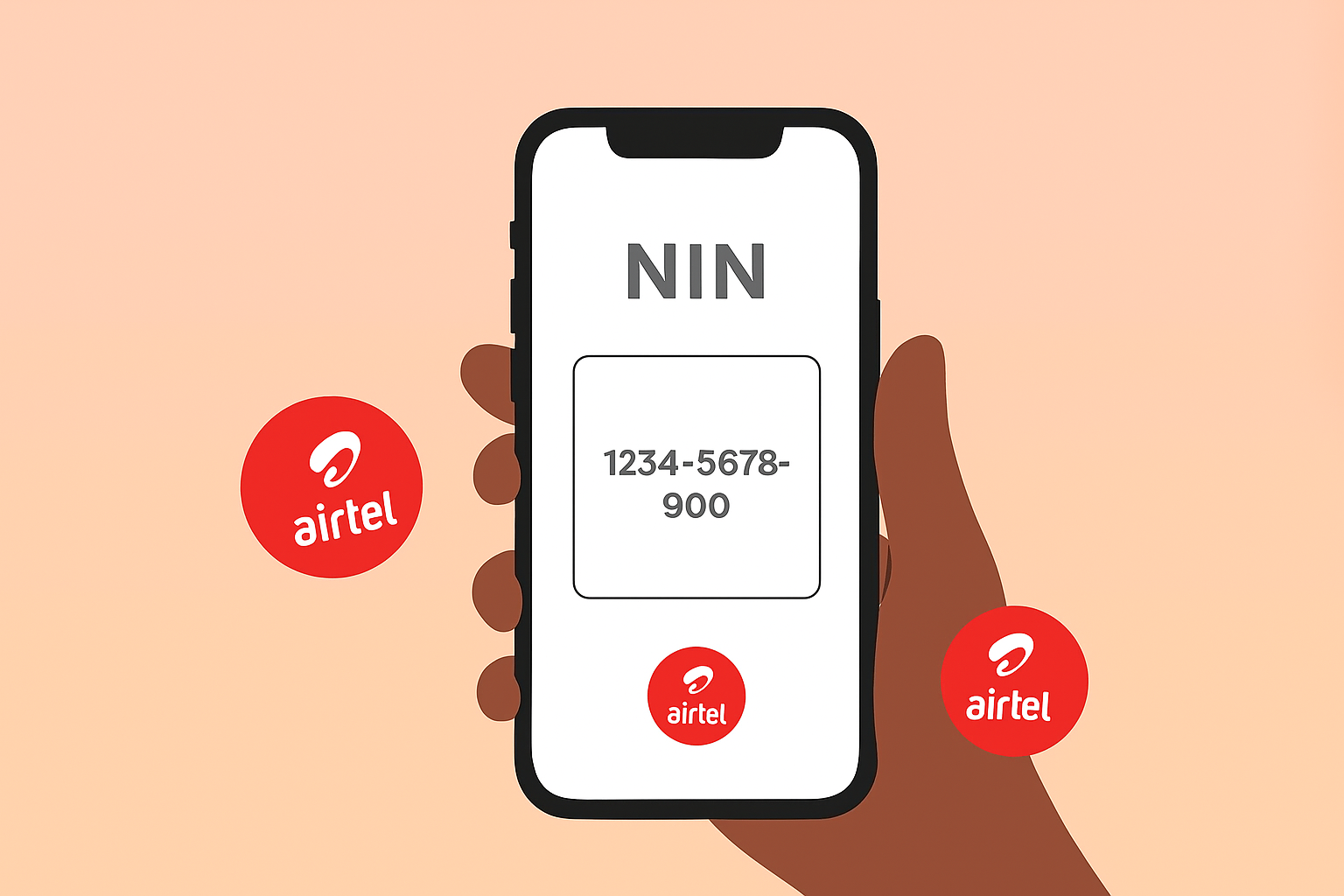
1. Link Your NIN to Airtel via USSD
- *Dial 996# on your Airtel line. You’ll see several options related to NIN services. Follow these steps:
- Select the option that says “Enter NIN”.
- Input your 11-digit NIN carefully.
- Submit and wait for a confirmation message.
If your NIN is valid, you’ll receive a message confirming successful submission. If not, Airtel will prompt you to retry or visit a nearby center.
This method works even if your Airtel line has been blocked. As long as your SIM is still detectable by your device, the USSD option can reconnect it.
2. Link Your NIN to Airtel via SMS
If you can still send messages from your SIM, another way to fix the issue is to link your NIN to Airtel via SMS. Simply type the following message:
Type: NIN 12345678901 (replace the numbers with your actual NIN)
Send to: 996
You’ll receive a reply confirming if your NIN has been successfully received or if you need to try again. This option is useful when you don’t have stable internet or access to the Airtel app.
3. Visit an Airtel Service Center
If the above methods don’t work or your SIM remains blocked after submission, visit the nearest Airtel Service Center or authorized Airtel store with:
- Your NIN slip or NIN printout
- A valid means of identification (National ID card, driver’s license, or passport)
- Your blocked Airtel SIM card
A customer care agent will help you link your Airtel SIM with NIN manually. Once verified, your line will be reactivated, usually within 24 hours.
How to Link NIN to Airtel Online
For users who prefer digital convenience, you can also link NIN to Airtel online through Airtel’s online portal.
The process involves entering your phone number, OTP, and NIN details. After submission, Airtel will verify and confirm your NIN linkage.
Even though your line might be blocked, completing this process ensures Airtel registers your NIN in their system so that when your line is unblocked, it stays active.
How to Link Your Airtel SIM with NIN on a New Device
If you’ve recently changed your phone or SIM slot, re-linking may be required for full activation. To reconnect:
- Insert your Airtel SIM into your primary device.
- Dial *996# again.
- Re-enter your NIN and confirm.
This ensures Airtel syncs your NIN data with your current IMEI and device information.
What to Do If You Still Can’t Link NIN to Airtel
If you’ve tried all methods; USSD, SMS, and in-store and your Airtel line remains blocked, here’s what to check:
- NIN status: Ensure your NIN is properly registered with NIMC. You can dial *346# to retrieve it.
- Network errors: Try linking at off-peak hours when Airtel’s servers are less congested.
- Mismatched details: If the name or date of birth on your NIN doesn’t match your SIM registration, visit an Airtel office for a manual correction.
Final Thoughts — Stay Connected with Queposts
Your Airtel line doesn’t have to stay blocked for long. With these quick methods, from dialing *996# to visiting a service center, you can easily link your NIN to Airtel and get back online fast.
At Queposts, we’re all about simplifying telecom and digital identity issues across Africa, one post at a time. Whether it’s Airtel today or MTN tomorrow, we’ve got you covered with smart, easy-to-follow guides that keep you connected.
Stay tuned for more updates, and remember — your digital identity is your passport to the connected world.